
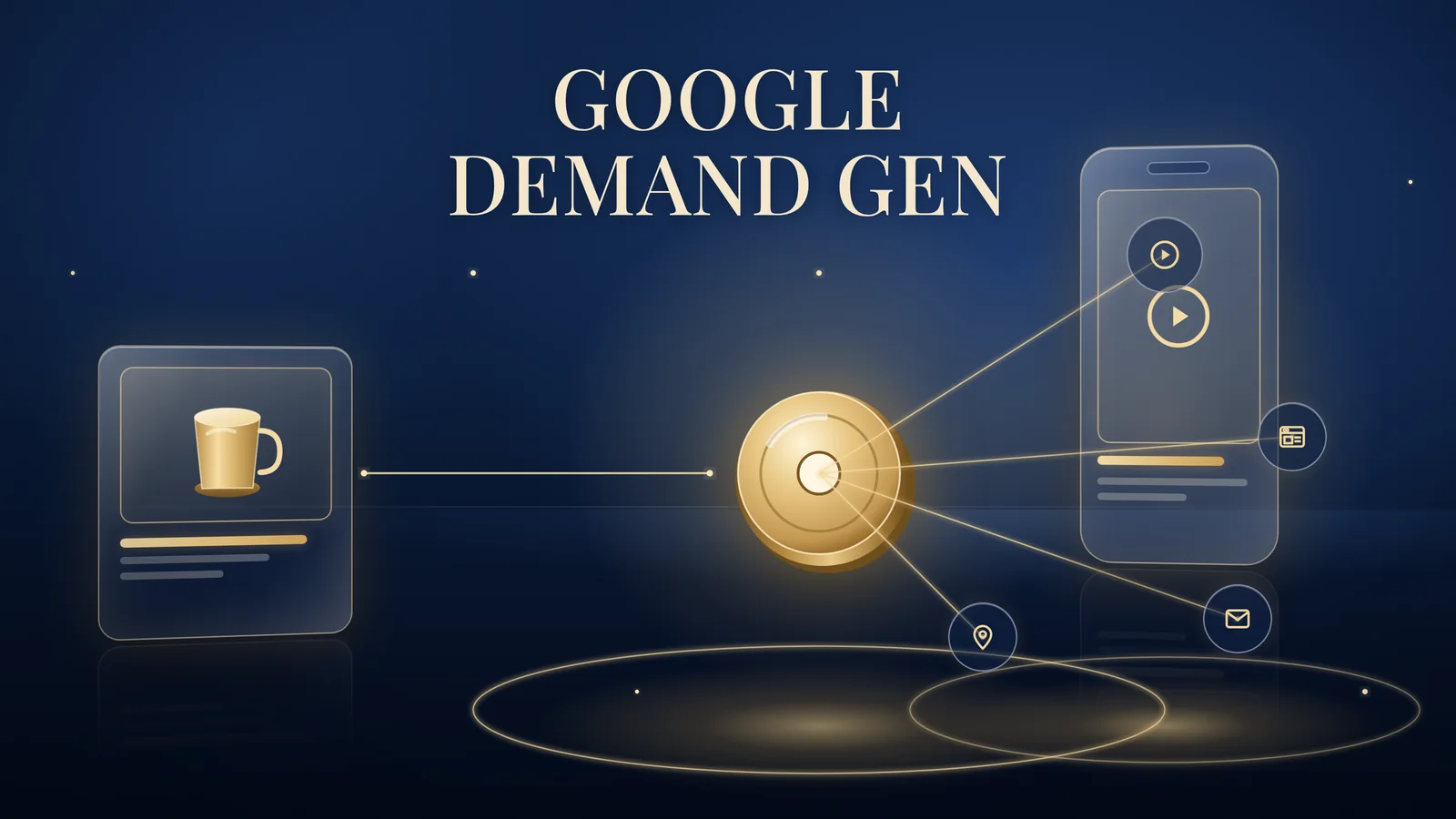
Demand Gen campaigns are Google’s campaign type for visual ads across YouTube (including Shorts), Discover, Gmail, Maps and the Google Display Network, and Google Display Ads campaigns are moving into them. Brands Win, a Singapore-based performance marketing agency for consumer brands, explains how Demand Gen works, what the migration changes and how to start without losing control.
Checked against Google Ads Help, 5 October 2026. The migration is still rolling out.
What Demand Gen campaigns are
Demand Gen is a single Google Ads campaign that runs image and video ads on Google’s most visual surfaces.
Google’s About Demand Gen campaigns page (2026) lists those surfaces as YouTube (including Shorts), Discover, Gmail, Maps and the Google Display Network. Google’s migration article marks Maps as in beta. Formats include single images, video, carousels of 2 to 10 image cards and ads built from a product feed. You can run a campaign that is video only or image only, though Google says using both typically performs better.
Demand Gen suits brands with strong visuals that want to create demand, not just capture people already searching. Think of a new serum or a seasonal menu: people need to see it before they search for it.
The Display migration: what changes in 2026
Google is moving Display campaigns into Demand Gen, in stages, and you can choose when to move during the first stage.
According to Google’s migration article, Google Display Ads campaigns have a new home in Demand Gen (2026), the timeline is:
- June 2026: a phased rollout of a migration tool. Eligible advertisers can move existing Display campaigns voluntarily from inside their Google Ads account.
- Coming later: new Display campaigns can only be created in Demand Gen.
- Coming later: remaining eligible Display campaigns are migrated automatically.
Google’s announcement of 26 May 2026 says the transition is expected to complete by 2027. Google has not published a fixed deadline.
Display-only buying stays possible. The same article says customers who want Display-only campaigns “can continue to do so”. It also says migrated campaigns “can’t be reverted back” to Display campaigns, so plan the move rather than clicking through it.
A practical migration checklist
These steps are our practitioner guidance, built on what Google’s article says:
- Record the baseline. Export settings, audiences, bids and the last few months of results before you migrate.
- Check what won’t carry over. Google lists features that block migration or are not supported, including Manual CPC (Target CPC is the suggested alternative), shared budgets and campaign-level content exclusions.
- Pick a quiet week. Google warns of possible performance fluctuations in the first several days, so avoid migrating just before a launch or sale.
- Expect re-review. Google treats migrated ads as new ads that must be approved again.
- Don’t migrate mid-study. Google advises against using the tool while a lift study is running.
Google recommends its migration tool over rebuilding by hand, because it carries over recent performance history. The original campaign is set to Removed but stays in the account for reporting. Our display and remarketing campaigns team runs this checklist for clients.
Channel controls: Shorts, Display or both
Channel controls decide where a Demand Gen ad group can serve, including YouTube Shorts.
Google’s Channel controls in Demand Gen campaigns page (2026) says controls sit at ad group level. You either pick All Google channels or choose “Let me choose” and tick from YouTube in-stream, YouTube in-feed, YouTube Shorts, Discover, Gmail, Maps and the Google Display Network.
Google’s channel controls let you choose YouTube Shorts for an ad group with vertical creator-style video. Google still recommends All Google channels for most advertisers, and warns that narrower selections can serve at lower volumes than expected.
For migrated campaigns, Google says Google Display Network is opted in by default and can’t be unselected during migration. You can add YouTube, Gmail or other channels once migration is complete.
We keep a migrated remarketing campaign Display-only at first, then test YouTube separately so each result stays readable. As a labelled hypothetical: a Singapore cafe chain could migrate its remarketing campaign unchanged, then run a small Shorts test with a 15-second clip of a dish being plated. See our YouTube ads management.
Creative that works on Demand Gen
Demand Gen rewards brands that supply assets for every shape of screen.
Google’s Demand Gen page lists landscape (1.91:1), portrait (4:5) and square (1:1) images, plus landscape, square, portrait and vertical video. For Shorts, plan vertical 9:16 video. Google’s About video ad formats page (2026) says Shorts ads appear between organic Shorts, viewers can swipe past them immediately, and under 60 seconds is recommended.
What that means in practice:
- One hook per video, in the first seconds.
- Show the product early: texture on skin, a dish arriving, the pack in hand.
- Add captions, since many people watch on mute.
- Supply square and landscape cuts so other surfaces don’t rely on cropping.
Beauty and wellness brands should check claims before launch. HSA’s regulatory overview of cosmetic products (updated August 2026) says cosmetic ads cannot claim to modify a physiological process or to prevent or treat a disease. The ASAS Singapore Code of Advertising Practice says factual claims should be capable of substantiation. Our vertical video and image ads follow these rules, whether the creative comes from our team or yours.
Demand Gen vs Performance Max
Performance Max chases conversions across every Google channel; Demand Gen gives you more say over visual placements and creative.
Google’s Demand Gen page compares the two. Performance Max finds converting customers across all of Google’s channels, including Search, Maps and Shopping. Demand Gen gives “more control over creative testing, audience targeting, and specific placements on YouTube and Discover”, and supports audience options such as Lookalike segments.
If your main question is how to sell products from a feed, read our guide to Performance Max vs Shopping ads. Demand Gen sits alongside those campaigns rather than replacing your Google search and Shopping campaigns.
Measuring Demand Gen honestly
Judge Demand Gen on what happens in your business, not on clicks alone.
Google’s Demand Gen page asks advertisers to set up conversion tracking with a working Google tag before launch.
Demand Gen often works earlier in the journey. Someone sees a Shorts ad on Monday and searches for your brand on Thursday. So:
- Compare reported conversions with store orders or bookings each week.
- Watch branded search trends while the campaign runs.
- Use Google’s lift tools where eligible. The migration article notes that Brand Lift and Search Lift are not supported for Google Display Network in Demand Gen, while Conversion Lift is.
- Judge every channel against one performance target, such as cost per order.
Our guide on why platform numbers and store orders differ explains the gaps. At Brands Win, clients own their Google Ads accounts and pay Google directly.
A 90-day way to start
Ninety days gives enough time to migrate carefully, test Shorts and read the results.
Our Growth System 90 programme covers paid media on Meta, TikTok and Google, marketplace channels such as Shopee and TikTok Shop, influencer marketing and content strategy over 90 days: Discover, Launch, Optimise and Review, run by one team against one performance target. For Demand Gen, Discover covers the account audit and baseline, Launch covers migration and a Shorts test, Optimise adjusts creative and audiences, and Review decides what to scale. See our paid media across Google, Meta and TikTok or all our services.
FAQs about Google Demand Gen campaigns
What is a Google Demand Gen campaign?
A Demand Gen campaign is a Google Ads campaign type for image and video ads on visual surfaces. According to Google Ads Help, it can serve on YouTube, including Shorts, plus Discover, Gmail, Maps and the Google Display Network. It suits brands that want to create demand among people who are not yet searching.
Do I have to move my Display campaigns to Demand Gen?
Not yet. From June 2026, eligible advertisers can move Display campaigns voluntarily with Google’s migration tool. Google says that later, new Display campaigns can only be created in Demand Gen and remaining eligible campaigns will migrate automatically. Google has not published a fixed date, so plan your move.
Can Demand Gen show my ads on YouTube Shorts?
Yes. Google’s channel controls let you choose YouTube Shorts as a channel for a Demand Gen ad group. Use vertical 9:16 video with an early hook and captions. Google still recommends All Google channels for most advertisers, so treat a Shorts-focused ad group as a deliberate test.
What is the difference between Demand Gen and Performance Max?
Performance Max looks for conversions across all of Google’s channels, including Search and Shopping, from one campaign. Demand Gen focuses on visual surfaces such as YouTube, Discover, Gmail and the Google Display Network, and gives you more control over creative testing, audience targeting and placements, according to Google Ads Help.
Can I still run Display-only campaigns after the migration?
Yes. Google’s migration article says advertisers who want Display-only campaigns can continue to buy them, now inside Demand Gen with Google Display Network as the channel. Google Display Network stays selected during migration, and you can add other channels afterwards. Migrated campaigns cannot be reverted to the old Display campaign type.