
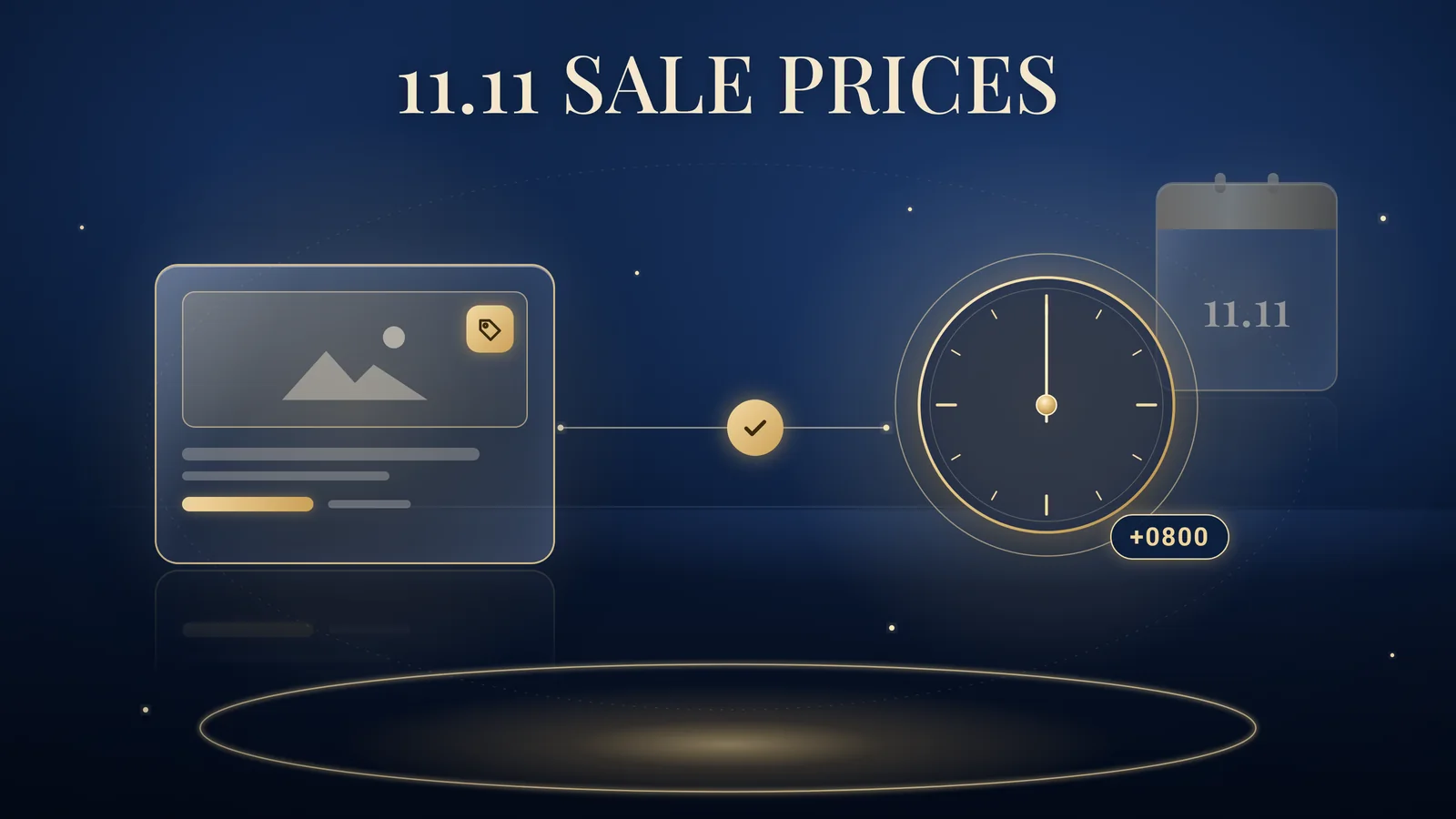
A Google Merchant Center sale price is the discounted price you submit with the sale_price attribute, alongside your regular price, so Shopping ads and free listings show the sale price as the current price. For 11.11 and 12.12, the dates, time zone and website prices must all match. Brands Win, a Singapore-based performance marketing agency for consumer brands, explains how to set it up and what to check.
Checked against Google Merchant Center Help, 11 October 2026.
How a Google Merchant Center sale price works
The regular price stays in price and the discount goes in sale_price. Google’s Sale price Help page (undated, checked 11 October 2026) sets the rules:
- Keep submitting
price. It stays your regular, non-sale price. - Add dates. Without
sale_price_effective_date, “the sale price will be used for your product immediately”. - Match the landing page. Show both prices on the product page and only the sale price, kept consistent, at checkout.
Google’s Product data specification adds that prices outside the US and Canada include GST, that landing pages should show “S$” rather than an ambiguous “$”, and that sale_price is not for loyalty or “promotional prices”, so keep promo-code offers out of it.
Merchant Center promotions are a separate feature, and Google’s About sale price annotations page says “Sales prices shouldn’t be submitted as promotions.” For offers in Search ads, see Google Ads promotion assets; for campaign choice, see Performance Max vs Shopping.
Set 11.11 and 12.12 dates in Singapore time
Add a start and end time with the +0800 offset, or Google will read your dates in UTC.
Google’s Sale price effective date page asks for an ISO 8601 start and end, each with a time and time zone, in the format YYYY-MM-DDThh:mm[±hhmm], separated by a slash. Without a time, the sale starts at midnight on the start date and ends at 11.59pm on the end date. “If you don’t include a time zone, we default to the UTC time zone.”
The UTC trap
Singapore is eight hours ahead of UTC, so in practice (this is our arithmetic from Google’s rule) an 11 November sale entered without a time zone would run from 8am on 11 November to 7.59am on 12 November, Singapore time.
Hypothetically, a skincare store’s 11.11 sale starts on its site at midnight, but without a time zone Google’s sale price goes live at 8am. The fix is the +0800 offset:
- 11.11:
2026-11-11T00:00+0800/2026-11-11T23:59+0800 - 12.12:
2026-12-12T00:00+0800/2026-12-12T23:59+0800
Multi-day sales and early access
Use the real window: 10 to 13 November is 2026-11-10T00:00+0800/2026-11-13T23:59+0800. Member-only or app-only early access is not a sale price for everyone, so do not start sale_price early.
What changed in September 2026: automatic updates and frequent price changes
Google’s Help now says products whose prices change more than once a day may be disapproved, rather than updated, if Google detects a mismatch.
Google’s Allow Merchant Center to update product information automatically Help page (undated, checked 11 October 2026) says automations use your landing page data, including structured data, to update price, sale_price, availability and condition. “Automations are enabled by default”, but they “aren’t a replacement for regular updates” and fix “sporadic problems”.
It now says:
“Automations may not work for products with frequent price or availability value changes (for example, more than once per day). The product may be disapproved instead of updated if we detect a mismatch. We may also stop updates if the total number of detected mismatches becomes too large.”
This is a Help note, not a policy change. Search Engine Roundtable reported it on 8 October 2026, citing PPC News Feed for a 27 September 2026 revision; the Help page itself carries no date. For frequent price changes, Google recommends the Merchant API. If your pages show more than one strikethrough price, Google says “You shouldn’t enable automatic updates for price”.
How to check the setting
From the same automations Help page:
- Select Products in Merchant Center.
- Select the Automations tab.
- Choose the automation you want to change.
- Select View details and toggle updates on or off.
Flash sales and hourly price drops
Prefer fewer, scheduled changes with sale_price_effective_date over many same-day edits. If prices must change often, push updates through the Merchant API or your platform’s integration as the site changes.
How to avoid price mismatches during 11.11
Make your page, structured data and product data agree.
- Mark up prices. Use schema.org
price,priceCurrency(SGD) andavailability, which automations map to your product data (automations Help). Our structured data and SEO work covers this. - Match the strikethrough to
price. Whensale_priceis set, the strikethrough on your page should equal thepriceattribute (automations Help best practices). - Avoid two common causes. Google’s Mismatched strikethrough price (page crawl) page lists a strikethrough added by JavaScript after the page loads, and a strikethrough shown without
sale_pricesubmitted. - Update promptly. Google suggests the Merchant API to schedule uploads or update as soon as your site changes (Mismatched strikethrough price).
- Check product issues. Mismatches can lead to disapprovals (automations Help). We recommend checking product issues in Merchant Center the morning the sale starts and after each price change.
What “Mismatched strikethrough price” means
When your site’s prices differ from price or sale_price, “the original price of your product is discarded and will not be shown as a strikethrough price”. The page describes losing the strikethrough, not a disapproval.
Will Singapore shoppers see a strikethrough or sale badge?
Don’t plan around it: Google’s annotation requirements do not list Singapore.
Google’s About sale price annotations page lists requirements for named countries, including Australia, Japan, the UK and the US, and Singapore is not among them. Even where requirements are met, annotations “aren’t always guaranteed to show”. The sale price itself still shows as the current price (Sale price), so show the saving on your landing page and creative.
For Shopping ads in listed markets such as Australia, Google requires a discount greater than 5% and less than 90% and a base price valid for 30 days within the past 200 days; the US has its own shorter rule. To check eligibility, go to Products, select All products, then Filter, Has sale badge and Yes (About sale price annotations).
The “original” price you show should be a genuine prior price. The CCS Guidelines on Price Transparency cover price comparisons and discounts. This is not legal advice.
How to read 11.11 results
Judge Shopping and Performance Max on sale-window sales.
Compare campaign results with store orders (see why platform numbers and sales reports differ), agree one performance target per campaign, and watch disapprovals and limited products during the sale.
A 90-day way to get your feed ready for Q4
Our Growth System 90 programme covers paid media on Meta, TikTok and Google, marketplace channels such as Shopee and TikTok Shop, influencer marketing and content strategy over 90 days (Discover, Launch, Optimise, Review), against one performance target. For Q4 feeds:
- Discover: audit structured data, automations settings and how strikethrough prices display.
- Launch: schedule
sale_pricewindows with +0800 for 11.11 and 12.12. - Optimise: fix mismatches daily during sale weeks.
- Review: compare results with store data and plan Christmas and Chinese New Year pricing.
You own your Merchant Center and Google Ads accounts and pay Google directly; our Google Shopping and Performance Max work happens inside them.
FAQs about Google Merchant Center sale prices
How do I set a sale price in Google Merchant Center?
To set a sale price in Google Merchant Center, submit the discounted price in the sale_price attribute and keep the regular price in the price attribute. Add sale_price_effective_date with start and end times, and make sure your landing page and checkout show the same sale price.
What time zone should Singapore brands use for sale_price_effective_date?
Singapore brands should add the +0800 offset to sale_price_effective_date. Google Merchant Center Help says dates without a time zone default to UTC, so an 11.11 sale entered without one would start at 8am Singapore time on 11 November and end at 7.59am on 12 November.
Can Google disapprove products whose prices change often?
Google Merchant Center Help says automatic updates may not work for products whose price or availability changes more than once a day, and such products may be disapproved instead of updated if Google detects a mismatch. Google recommends the Merchant API for frequent price updates.
Will Shopping ads in Singapore show a strikethrough price?
Google’s sale price annotation requirements list specific countries, and Singapore is not among them, so do not plan around a strikethrough or sale badge in Singapore. Your sale price still shows as the current price when the sale is active, according to Google Merchant Center Help.
Should I turn off Merchant Center automatic updates?
Merchant Center automatic updates are on by default and can fix occasional price mismatches. Google advises against automatic price updates when product pages show more than one strikethrough price. Otherwise, keep them on as a safety net, but keep sending accurate product data rather than relying on them.
Is a Merchant Center sale price the same as a Google Ads promotion asset?
A Merchant Center sale price changes the product price shown in Shopping ads and free listings. A Google Ads promotion asset adds an offer line to Search and some YouTube ads. They are separate features, and Google says sale prices should not be submitted as Merchant Center promotions.